Updated XCSSET Malware Targets Mac Developers Through Xcode Projects
A look at the resurfaced XCSSET v40 malware, its stealthier infection chain inside Xcode projects, and what Mac developers and security teams should do next.
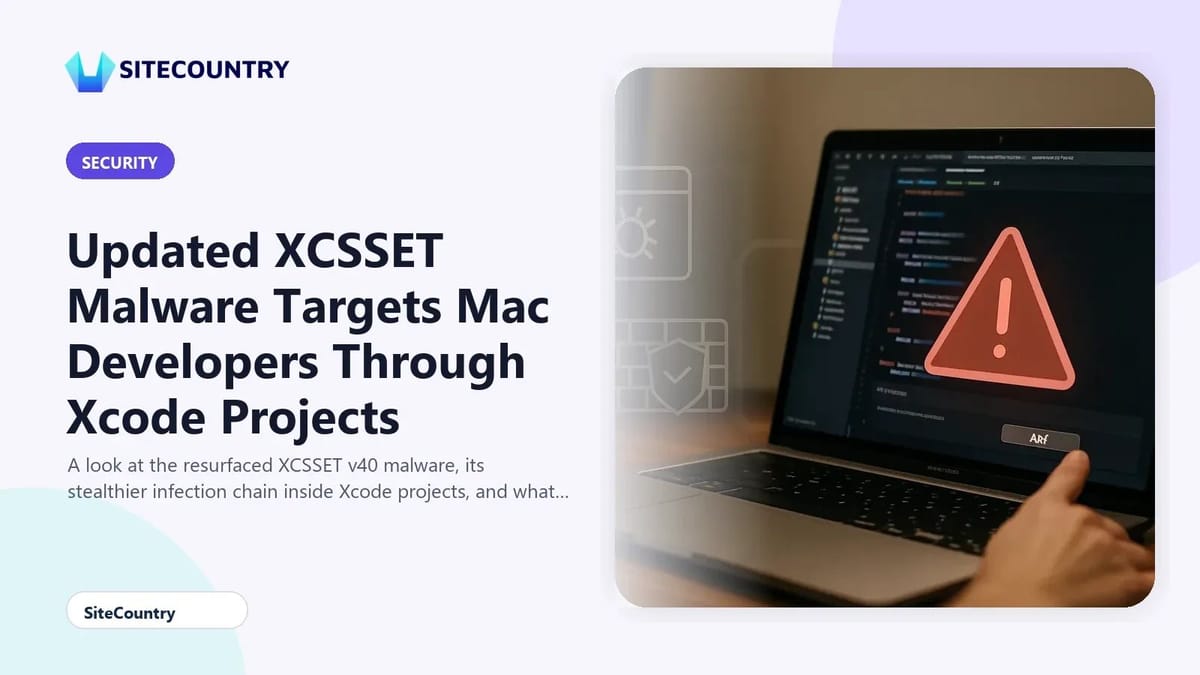
The macOS developer community is once again on the radar of a familiar threat. After months of quiet development, the operators behind the XCSSET malware family have shipped a new variant tracked as XCSSET v40, using tampered Xcode projects on GitHub to reach software builders across the Apple ecosystem. Because the payload only triggers when a developer compiles an infected project locally, the campaign can stay hidden for weeks inside what look like legitimate open-source repositories. Website owners and agencies that maintain internal macOS build pipelines should pay close attention, since a single compromised developer machine can quietly inject hostile code into websites, apps and distribution channels that customers rely on.
Key Takeaways
- XCSSET v40 spreads through poisoned Xcode projects shared on GitHub and activates only when developers build the project on their Mac.
- The new variant is largely fileless, loading its core logic into memory and wiping installation files from disk to reduce forensic evidence.
- Attackers now ship 17 modules, including a Chrome hijacker that abuses the Chromium DevTools Protocol and a trojanizer that abuses Telegram.
- Defenders should audit cloned repositories, verify project file integrity and watch for unexpected processes spawned during builds.
Why XCSSET v40 Matters Now
XCSSET first surfaced in 2020, when researchers at Trend Micro documented a modular macOS malware family aimed at developers. Microsoft later analyzed updates in 2025. In mid-April 2026, a fresh wave appeared, followed by a second, broader wave in early May 2026 that expanded the operational module set. The actors have labeled the build XCSSET v40, although the community had only formally tracked a handful of unversioned iterations before. Activity has clustered around developers in South Asia, matching the regional focus seen in the original 2020 reporting.
The campaign matters for more than Mac users. When a developer who ships website code, mobile apps or CI/CD tooling gets compromised, the resulting artifacts can carry malicious behavior into production environments. A poisoned build server, update channel or third-party SDK can quietly inject JavaScript skimmers, credential stealers or backdoors into sites that look clean on the surface.
How the Infection Chain Works
Researchers have broken the v40 infection into four stages that run before the final payload executes in memory.
| Stage | What it does | Why it matters |
|---|---|---|
| Initial loader script | Embedded inside infected Xcode project files and vulnerable Git repositories; opens a channel to the command-and-control (C2) server. | Builds trust by hiding in code that looks legitimate, then reaches out for instructions once the project is compiled. |
| Fingerprinting downloader | Collects basic host information and pulls additional modules from the C2. | Lets attackers tailor later stages to the victim environment, increasing stealth and persistence. |
| Staging applet | Drops a temporary helper that loads the next stage directly into volatile memory. | Avoids leaving traditional files on disk that endpoint scanners would normally flag. |
| Core module (boot) | Loops in memory, launches specialized modules such as keyloggers, clipboard hijackers and browser hijackers, then cleans up installation files. | Reduces the on-disk footprint to almost nothing, complicating incident response and forensic recovery. |
The trigger is important to understand. The infection only progresses when the victim builds the tainted project on their workstation. Simply cloning or browsing the repository is not enough. That detail shapes the defender's response, because logs around Xcode build events become a key signal.
New and Improved Modules
The v40 package ships 17 distinct modules delivered through a rotating C2 infrastructure. Researchers confirmed upgrades to several legacy components and the introduction of two new ones.
The Chrome hijacking backdoor is the most technically interesting addition. It abuses a legitimate Chromium feature called the Chrome DevTools Protocol (CDP). Rather than installing a malicious browser extension, the malware wraps the real Google Chrome binary with a persistence script. When the victim launches Chrome, three things happen in quick succession:
- The wrapper restarts the orchestrator module to keep the malware alive in the background.
- It opens Chrome with command-line flags that activate the CDP on a local port, exposing the browser's internal engine.
- It drops and runs a specialized binary that connects to that CDP port, allowing the operators to run arbitrary JavaScript, manipulate open sessions and quietly extract cookie tokens.
The second new module is a Telegram trojanizer that gives attackers a familiar chat channel for command traffic and stolen data. Combined with clipboard monitoring, credential theft and data exfiltration modules carried over from earlier versions, the toolkit gives intruders broad control over a compromised developer's workstation.
Evasion Techniques to Watch For
Several design choices make v40 harder to catch than its predecessors. The malware scrambles its payload at compile time, rotating through nested layers of different ciphers. Researchers used AI-assisted pattern matching to peel back those layers during analysis, which is a useful reminder that manual reverse engineering alone is no longer enough. The core module runs entirely in volatile memory, then deletes its installers from disk, so traditional file-based antivirus scans can miss the active infection.
Defense evasion also extends to the broader Mac. By operating from inside the user's normal build workflow, the malware blends in with routine developer activity, including frequent network calls, child processes and file writes inside project directories.
What Mac Developers Should Do
Practical hardening starts with treating every cloned Xcode project as untrusted until proven otherwise. Developers and security teams can take several concrete steps without waiting for vendor tools to catch up.
- Audit project scripts before the first build. Inspect Run Script phases, pre-action and post-action build steps, and any shell scripts referenced from the project file. Anything that reaches out to the network or decodes base64 blobs deserves manual review.
- Pin and verify dependencies. Prefer reproducible builds and signed commits. Avoid pulling random GitHub forks into internal repositories without code review.
- Monitor build-time behavior. Watch for unexpected outbound connections, child processes spawned by xcodebuild, or new background helpers launched immediately after a build.
- Segment developer workstations. Build inside ephemeral virtual machines or disposable containers so a successful infection does not persist beyond the build session.
- Harden browsers. Block the Chrome remote debugging port at the network layer unless it is explicitly needed, and review Chrome flags that activate the CDP.
For teams that operate hosted infrastructure or customer-facing websites, an infected build environment is a supply-chain risk. Pairing developer hardening with strong edge protections such as advanced DDoS protection and free DDoS protection helps ensure that even if hostile code reaches production, downstream abuse paths are harder to exploit.
Frequently Asked Questions
What is XCSSET v40?
XCSSET v40 is the latest iteration of a modular macOS malware family that targets software developers. It spreads through tampered Xcode projects on GitHub and loads most of its logic into memory to stay hidden from traditional antivirus tools.
How does the malware reach a Mac in the first place?
Victims typically clone a poisoned Xcode project from GitHub or pull it in as a dependency. The malicious behavior only triggers when the developer builds the project locally, at which point the embedded loader script runs and contacts the attackers' command-and-control server.
Why is the Chrome DevTools Protocol abuse significant?
CDP is a legitimate Chromium feature meant for debugging. By forcing Chrome to expose the protocol on a local port, the malware lets attackers run arbitrary JavaScript inside the user's real browser sessions and steal cookies without installing a normal extension, which many security tools trust.
Are only Mac users at risk from XCSSET?
Direct infections target macOS developers, but the downstream impact can reach any platform. A compromised developer can ship tainted code into mobile apps, internal tools and websites that serve Windows, Linux and mobile users, so the supply-chain risk extends well beyond Apple hardware.
What is the fastest way to detect a possible infection?
Look for unexpected background processes after Xcode builds, sudden outbound traffic from build directories and Chrome running with remote debugging flags. Combine those host signals with network monitoring for connections to unfamiliar command-and-control hosts, and rotate any credentials that lived on the affected workstation.
Conclusion
XCSSET v40 shows how a patient threat actor can turn routine developer tools into a stealthy delivery system. By hiding inside Xcode projects and shifting execution into memory, the malware avoids many of the file-based detections defenders rely on. Treat cloned repositories as untrusted code, review build scripts carefully, isolate build environments and monitor post-build behavior. Layered edge protections and a healthy incident response plan remain essential backstops if a developer workstation does get compromised.