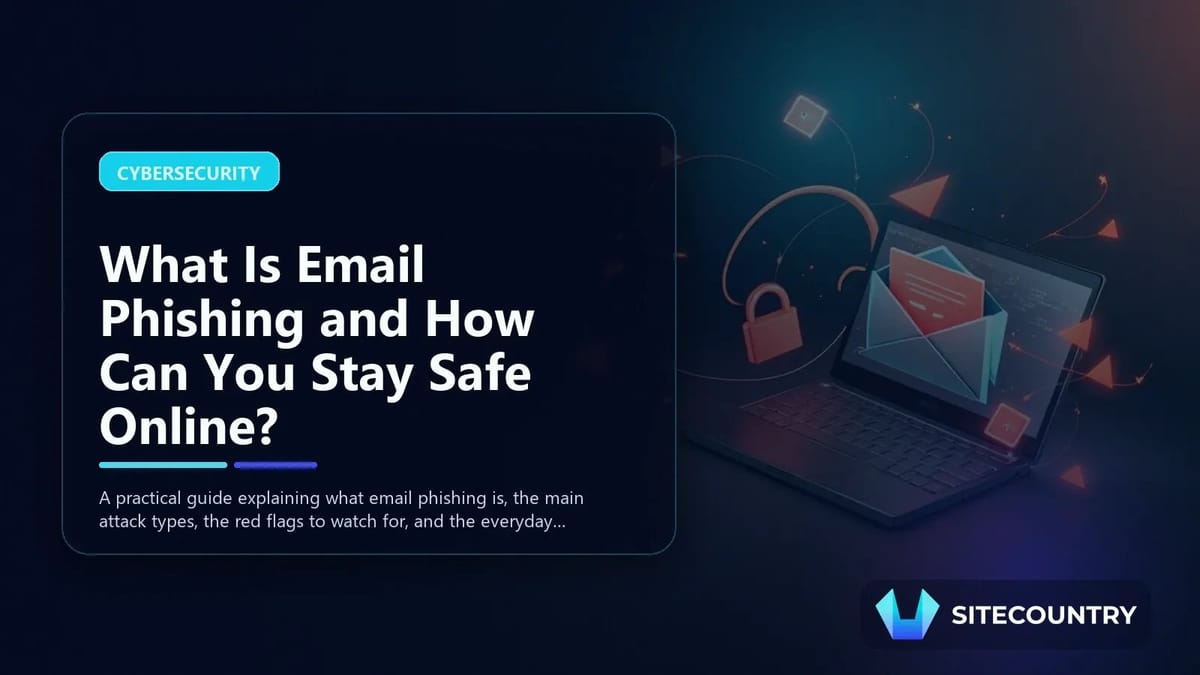
What Is Email Phishing and How Can You Stay Safe Online?
A practical guide explaining what email phishing is, the main attack types, the red flags to watch for, and the everyday steps that keep personal and business inboxes safer.
Email phishing remains one of the most effective cyberattacks in use today, and it keeps getting harder to recognize. According to the FBI’s Internet Crime Complaint Center, phishing was the most reported cybercrime category in 2025, with more than 191,000 complaints filed. Because nearly every business, developer, and website owner still depends on email for daily communication, understanding what email phishing is and how to defend against it is essential. This guide explains how a typical phishing email works, the main attack types to know, and the practical habits that make a real difference.
Key Takeaways

- Phishing emails impersonate trusted senders to steal passwords, payment data, and account access.
- The five main categories are email phishing, spear phishing, whaling, clone phishing, and spoofing.
- Urgency, mismatched senders, generic greetings, and sloppy grammar are classic warning signs.
- Hovering over links, avoiding unexpected attachments, and enabling two-factor authentication are core defenses.
- Reporting suspicious messages to your IT team or the impersonated company helps limit damage across the wider internet.
How a Typical Phishing Email Works
A phishing email is a message designed to look like it came from a brand, coworker, or service you already trust. The attacker’s goal is to make you click a link, open an attachment, or reply with sensitive information. Once any of those actions happen, the scammer may capture login credentials, install malware, or quietly harvest personal data.
Modern campaigns are no longer obviously broken English and obvious scams. Attackers use details gathered from social profiles and past data breaches to craft messages that feel personal. A subject line referencing a recent invoice, a familiar project name, or a real colleague’s name can be enough to lower someone’s guard. This is exactly why a clear definition of what email phishing really means in 2026 goes well beyond the obvious spam of the past.
The Five Main Types of Email Phishing Attacks
Most phishing emails fall into five recognizable categories. Each has its own patterns, but all share the same underlying goal: tricking the recipient into trusting the message.
| Attack Type | How It Works | Common Indicators |
|---|---|---|
| Email phishing | Mass messages sent to many recipients, linking to fake login pages or malicious attachments. | Generic greetings, suspicious links, urgent demands for action. |
| Spear phishing | Targeted messages aimed at a specific person or company, using personal details. | Real names, project references, or colleagues mentioned accurately. |
| Whaling | High-effort attacks focused on executives or other senior decision makers. | Executive-level requests, urgent financial transactions, wire transfer instructions. |
| Clone phishing | A near-duplicate of a legitimate email that has been altered to include malicious content. | Familiar formatting, small differences in links or attachments. |
| Spoofing | The sender’s address is forged so a message appears to come from someone else. | Mismatched display name and email address, unexpected reply-to domain. |
Red Flags Worth Memorizing
Even the most polished scam tends to leave clues. Watching for these signals can stop most phishing emails before any damage is done.
- Urgent or threatening language: “Your account will be closed in 24 hours” pressure tactics are designed to make you skip careful thinking.
- Suspicious sender addresses: A message that claims to be from a major brand but arrives from an unrelated domain is a strong warning sign.
- Generic greetings: “Dear customer” or “Hello user” in a message that should know your name suggests automation rather than a real person.
- Poor spelling and grammar: Professional companies run their messages through reviews. Sloppy wording often signals a foreign scam operation.
- Hidden or misleading links: Hovering over a link before clicking reveals the real destination, which is often a look-alike domain.
What To Do When a Suspicious Email Lands in Your Inbox
Receiving a phishing email is not a failure on its own. What matters is how you respond. A calm, methodical response protects you and helps protect others who may receive the same message.
- Do not click any links or open any attachments until you can verify the sender through a separate channel.
- If the email arrived at a work address, contact your IT or security team and share a copy for review.
- Use your mail provider’s reporting tools to mark the message as phishing or spam.
- Forward the email to the impersonated company when they have a published security reporting address.
Acting quickly but carefully limits the chance that credentials are typed into a fake login page and gives defenders time to block the campaign. If you manage customer-facing mail through Professional Business Email, keeping abuse-reporting contacts documented makes this process faster.
Everyday Habits That Reduce Your Risk
No single tool blocks every phishing attempt, which is why layered habits matter. The following practices go a long way toward keeping personal and business inboxes safer.
- Keep software current. Email apps, browsers, and operating systems all ship with security patches that close known exploits.
- Turn on two-factor authentication. A stolen password alone should not be enough to take over an important account.
- Run regular security training. If you have employees or contractors, brief refreshers on current scams keep awareness high.
- Maintain email backups. If an account is ever compromised, having clean copies of past messages speeds up recovery.
These habits also overlap with broader infrastructure concerns, much like the planning that goes into what is a dedicated hosting setup or the resilience considerations covered in our look at the global impact of DDoS attack incidents. Security is a stack, and phishing defense is one of its most important layers.
Frequently Asked Questions
What is email phishing in simple terms?
Email phishing is a scam in which a fraudulent message pretends to come from a trusted sender, such as a bank, software vendor, or coworker, in order to steal login credentials, financial details, or other sensitive information. The attacker typically relies on a link to a fake website or a malicious attachment to collect that data.
How can I tell the difference between spear phishing and regular phishing?
Regular phishing is broad and generic, often sent to thousands of recipients at once with mass greetings and reusable scripts. Spear phishing is targeted, using personal details like your name, employer, recent projects, or coworkers to make a single message feel authentic and harder to dismiss.
What should I do if I accidentally clicked a phishing link?
Disconnect from the network if you suspect malware, change the password for the account involved from a clean device, and enable two-factor authentication if it is not already active. Then notify your IT team or the impersonated company so they can review the account and watch for suspicious activity.
Is reporting phishing emails actually useful?
Yes. Reporting messages to your mail provider and to the impersonated brand helps security teams block similar campaigns, take down fake login pages, and warn other users. A single report often protects dozens or hundreds of other potential victims.
Are smaller businesses really targeted by phishing?
Smaller businesses are frequent targets because attackers assume they have less security training and fewer defenses. In practice, any organization that processes payments, hosts websites, or stores customer data is a worthwhile target, which is why basic phishing protections belong in every hosting and email setup.
Action Checklist for a Safer Inbox
Use this list to tighten your defenses this week. Each item takes only a few minutes and meaningfully raises your protection against email phishing attacks.
- Audit the most important accounts and turn on two-factor authentication wherever it is available.
- Confirm that operating systems, browsers, and mail apps are running the latest updates.
- Hover over the links in a few recent emails to remind yourself what legitimate URLs look like.
- Save your provider’s phishing-reporting address and share it with anyone who shares your domain.
- Schedule a short security refresher for any team members who handle inbound mail or customer data.
Phishing will continue to evolve, but the fundamentals stay the same: slow down, verify the sender, guard your credentials, and report what you find. With those habits in place, the next suspicious message is far less likely to turn into a real incident.