Enterprise Dedicated Server Hosting: When Single-Tenant Infrastructure Pays for Itself
A practical buyer-focused guide to enterprise dedicated server hosting, covering when single-tenant infrastructure is worth the investment and how it compares with shared, VPS, and cloud options.
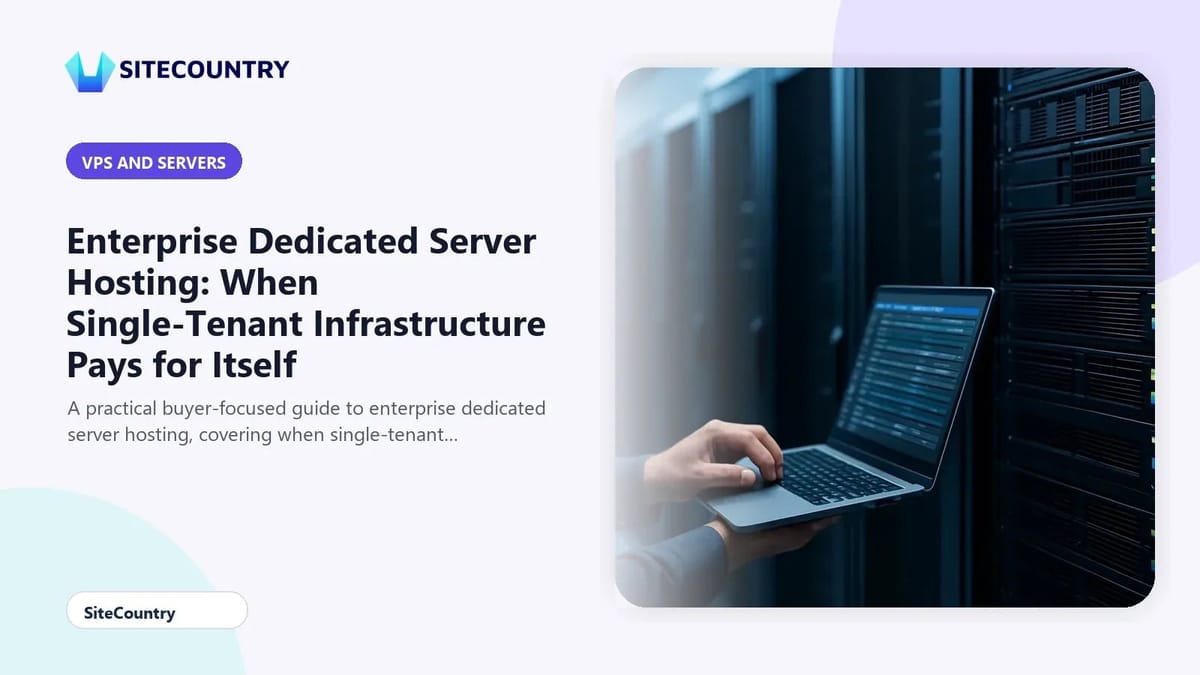
Enterprise websites eventually outgrow the hosting environments that once felt comfortable. Campaigns slow to a crawl, dashboards throw resource warnings, and compliance reviews start asking harder questions about who else shares the same machine. At that point, single-tenant infrastructure often becomes the most predictable answer. This guide walks through what enterprise dedicated server hosting actually delivers, how it compares with other tiers, and which criteria matter most when you evaluate a provider.
If your current plan is straining under load, it helps to understand when to upgrade to dedicated hosting and what changes once you make the move. Before committing to a multi-year decision, take stock of your traffic shape, security obligations, and how much server administration your team can realistically handle.
Key Takeaways
- Dedicated hosting rents an entire machine to a single organization, giving you full root access and isolated CPU, storage, and memory.
- It is best suited to high-traffic, mission-critical, or compliance-sensitive workloads that have outgrown VPS or shared plans.
- Total cost of ownership includes hardware, management overhead, licensing, and the operational risk of misconfiguring a single-tenant server.
- Hardware specs, uptime guarantees, network capacity, and support quality matter more than brand familiarity.
- A structured checklist helps you compare providers on equal terms instead of relying on marketing claims.
What Single-Tenant Hosting Actually Means
A dedicated server is a physical machine reserved for one organization. That freedom is also where the responsibility begins, because no neighbor is absorbing the consequences of a misconfiguration.
For enterprises, the value of single-tenant hosting comes down to three practical effects. Teams running database-heavy commerce sites, regulated workloads, or custom application stacks often need exactly this level of control.
That said, dedicated hosting is not automatically better. The premium is real, the operational burden is real, and a well-sized cloud or VPS environment can still outperform an undersized dedicated machine.
Dedicated Hosting vs VPS, Cloud, and Shared Hosting
The hosting market offers four common service tiers, each with a different trade-off between isolation, performance ceiling, control, and cost. Reading those side by side makes it easier to decide whether your workload has truly outgrown the lower tiers or whether a different configuration could solve the problem more cheaply.
| Hosting type | Resource isolation | Performance ceiling | Root access | Scalability | Typical cost |
|---|---|---|---|---|---|
| Shared | None, pooled across many sites | Low | Not available | Limited | Lowest |
| VPS | Partial, a virtual slice of one server | Moderate | On the virtual instance | Vertical within host limits | Moderate |
| Cloud | Varies, virtualized across a pool | Moderate to high | On the instances | Elastic and on demand | Variable, usage-based |
| Dedicated | Full, single-tenant physical server | High | Full root on the whole machine | Vertical, up to hardware limits | Higher, fixed |
If your workloads are spiky and unpredictable, cloud hosting can offer elasticity that dedicated hardware cannot. Many enterprises use a blend, keeping the database on dedicated hardware while running the front end on a flexible cloud tier.
Signs You Have Outgrown Your Current Plan
Before paying for a dedicated machine, it is worth confirming the upgrade is actually justified. The warning signs below tend to repeat across organizations that eventually move to single-tenant infrastructure.
- Traffic spikes during campaigns or seasonal peaks regularly push response times past acceptable thresholds.
- Database-heavy pages slow down because CPU or memory on the shared host is saturated.
- Compliance or contractual obligations call for stricter isolation than a multi-tenant environment can offer.
- Your team needs custom kernel modules, network settings, or stacks the current platform does not allow.
- Support tickets about noisy neighbors or contention keep recurring even after tuning.
When two or more of these apply together, the conversation usually shifts from optimization to migration. Reviewing the practical steps to migrate shared to dedicated hosting can also help you plan a controlled cutover rather than a rushed move during an incident.
What to Evaluate in an Enterprise Dedicated Host
Marketing pages tend to sound similar across providers, so the difference usually lives in the specifications and the operational details. Treat the criteria below as a comparison framework you can apply to any shortlist.
Hardware and Performance Baseline
Modern enterprise dedicated hardware typically pairs AMD EPYC or comparable server CPUs with DDR5 memory and NVMe storage. Network throughput matters as well, since a saturated port turns into a queue regardless of how much CPU is available.
Uptime Guarantees and the Math Behind Them
An uptime number on its own hides more than it reveals. For revenue-critical sites, that difference is significant. RAID-mirrored storage and Tier 3 facility standards are common markers of an enterprise-ready footprint.
Security and Compliance Posture
Single-tenant hardware reduces some risks because no other customer can share the same kernel or filesystem. Honest framing matters here, since infrastructure alone rarely satisfies an audit.
Support and Management Options
Enterprise teams vary widely in how much server administration they want to absorb. Strong providers offer 24/7 support with defined response times, escalation paths, and named technical contacts for enterprise accounts.
Scalability and Future Headroom
Dedicated hardware scales vertically, which means growth eventually requires a larger machine or an additional one. Cloud tiers scale more elastically. If your roadmap includes rapid growth, raise this topic early.
Practical Buying Checklist
Once a shortlist is in front of you, the same questions tend to surface regardless of provider. Work through them in order.
- Document current peak CPU, memory, disk, and network usage so the new hardware has clear headroom.
- Confirm the SLA percentage, what it covers, and how downtime is measured.
- Identify which compliance controls the provider documents and which your team must own.
- Decide between unmanaged root access and a managed service plan, including what each path costs.
- Validate the migration plan, including cutover windows, DNS strategy, and rollback options.
- Review exit terms, including data portability and the process for retrieving backups after contract end.
For teams still weighing cloud elasticity against dedicated predictability, exploring Managed Cloud VPS Hosting options can clarify how much of the requirement is really about isolation and how much is about flexible capacity. Adjacent reading on linux distros for VPS hosting also helps if you plan to standardize on a specific operating system across your environment.
Frequently Asked Questions
What is the main benefit of enterprise dedicated server hosting?
Single-tenant isolation is the headline benefit. CPU cores, memory, storage, and network capacity are reserved for one organization, so traffic from neighboring sites cannot slow your applications the way it can on shared or VPS tiers. Full root access also lets you tune the operating system, kernel, and software stack to match a specific workload, which is rarely possible on a shared platform.
How does dedicated hosting compare to a high-end VPS?
A high-end VPS can be a smart step up because it gives you root access at a moderate price, but you are still sharing physical hardware with other tenants. Dedicated hosting removes that contention entirely because you lease the whole physical machine. The dedicated path costs more, requires more administration, and scales vertically, while a VPS usually scales within the host's hardware ceiling.
When does it make sense to move from VPS or cloud to dedicated hosting?
The move usually becomes justified when workloads are consistently heavy rather than occasionally heavy, when compliance or contractual obligations demand stricter isolation, when custom kernel or stack configurations are blocked on the current platform, or when noisy-neighbor issues keep recurring even after tuning. If traffic is variable but predictable peaks can be handled with elastic cloud capacity, a hybrid model is often more cost-effective than a full migration.
What uptime SLA should enterprise customers expect?
Enterprise customers should look for at least a 99.99% uptime SLA, which allows roughly 52.6 minutes of allowable downtime per year. A 99.9% SLA allows about 8.76 hours, which is usually too high for revenue-critical sites. The SLA should be backed by infrastructure details such as RAID storage redundancy, power redundancy, and a recognized data center tier.
Is dedicated hosting always more secure than shared or VPS hosting?
Single-tenant hardware does reduce certain risks because no other customer shares the same kernel or filesystem, which limits some side-channel and noisy-neighbor attack surfaces. It does not, however, replace operating system hardening, patch management, application security, or network controls. Most audits treat infrastructure isolation as one layer among many, so organizations subject to frameworks such as PCI DSS or HIPAA still need to evidence their own controls.
Conclusion
Dedicated server hosting is not a default choice for every enterprise website, and treating it like one often wastes budget. The clearest path is to start from workload evidence, compare the options against a fixed framework, and only commit to single-tenant hardware when the requirements truly demand it. When the decision is justified, the combination of isolation, performance headroom, and root control makes the premium easier to defend. Use the buying checklist above to pressure-test any shortlist, and revisit the decision whenever traffic shape, compliance scope, or internal staffing changes.