WordPress 7.0.4 Imagick Patch: What Site Owners Should Know About the Author-Level RCE Fix
WordPress 7.0.4 closes an author-level remote code execution path that hid inside ordinary-looking image uploads. Here is what changed in Imagick handling, who can reach the vulnerable code, and how to verify your site is protected.
WordPress 7.0.4 has landed as a maintenance release, and the security note that travels with it deserves close attention from anyone running a multi-author site. The release rewrites how WordPress hands uploaded files to the Imagick PHP extension, plugging a path that could let a logged-in author convert a routine image upload into server-side code execution. The flaw sits inside core, spans WordPress 4.7 through 7.0, and the fix has already been pushed to sites connected to Patchstack as a mitigation rule.
For most readers the headline is simple: update, and confirm the new version is live. The deeper story, though, explains why an image upload can become a security event, what the underlying library chain looked like, and how to think about media handling on sites where more than one person has publishing rights.
Key Takeaways
- WordPress 7.0.4 addresses an author-level ImageMagick remote code execution flaw present in core versions 4.7 through 7.0.
- The weakness stemmed from trusting a file extension instead of inspecting actual bytes before calling Imagick.
- Two upload paths, XML-RPC's wp.uploadFile and the cover-art routine for uploaded MP3s, bypass wp_check_filetype_and_ext(), so the bad payload still reached disk.
- Any environment with Author-level accounts, especially multi-author blogs, membership sites, or loosely managed registration, faces real exposure.
- Automatic background updates should already cover most sites, but manual updates on contributor-heavy sites should be prioritized.
What the WordPress Imagick RCE Patch Actually Fixes
The vulnerable method, WP_Image_Editor_Imagick::load(), used to decide how to feed a file to ImageMagick based purely on the extension reported by pathinfo(). The new code instead reads the first chunk of every file, identifies its real format, and refuses anything that would route to a handler known to be dangerous.
Concretely, the patch turns away PostScript and EPS files detected by their magic-byte signatures, rejects files with a PDF extension that do not begin with the genuine %PDF marker, and blocks compressed archives such as gzip and bzip2 that ImageMagick would otherwise unpack silently. Because the same trick can arrive through a remote URL or a stream, filename parsing was added to those sources as well.
The combined effect is that Imagick never receives a file it could mistake for a PostScript-family document. Ghostscript never gets called, and the historical Ghostscript command-execution problems that gave ImageMagick its ImageTragick reputation stay out of reach.
How the Underlying Problem Actually Worked
WordPress leans on Imagick whenever the Media Library needs to resize or process an image. Ghostscript has a long history of being persuaded to run commands it should not run, and that delegation is where the danger lives.
The mismatch is the heart of the bug. WordPress was checking file extensions while ImageMagick was checking file contents. From there, Ghostscript would execute it as a PostScript program. Any image upload that bypassed strict content inspection sat on this same fault line.
Who Could Reach the Vulnerable Code
Reaching the broken loader required the ability to upload media, which means an Author-level WordPress account or higher. In those settings, the bar to abuse is far lower than the wording "logged-in user" tends to imply.
Two upload routes made the path easier. If your site still exposes XML-RPC to the wider internet, that route is worth thinking about separately.
What the Patch Actually Changes at the Code Level
The fix lives in commit 7daaa50 against core and rewrites the load() function used by the Imagick editor. It also validates that any file presenting itself as a PDF really begins with %PDF.
Compressed inputs that ImageMagick would auto-extract, including gzip and bzip2 streams, are turned away before they can be unpacked into something more dangerous. The result is a loader that treats file content as the source of truth and treats extensions, prefixes, and remote hints as untrusted input.
Comparing the Risk and the Fix
The table below summarizes how the affected and patched behavior compare for site owners evaluating exposure.
| Aspect | Before the WordPress Imagick RCE patch | After the WordPress Imagick RCE patch |
|---|---|---|
| File identity check | Trusted the extension reported by pathinfo() | Inspects magic bytes before any Imagick call |
| PostScript and EPS files | Could reach ImageMagick and trigger Ghostscript | Rejected before Imagick is constructed |
| Fake PDF files | Accepted on extension alone | Validated against the %PDF header |
| Coder prefixes such as EPS:file | Steered Imagick toward Ghostscript | Stripped and revalidated |
| wp.uploadFile and MP3 cover-art paths | Reached the loader through wp_upload_bits() | Still reach the loader, but loader now filters content |
| Required account level | Author or higher | Unchanged, but the payload no longer executes |
Practical Steps for Site Owners
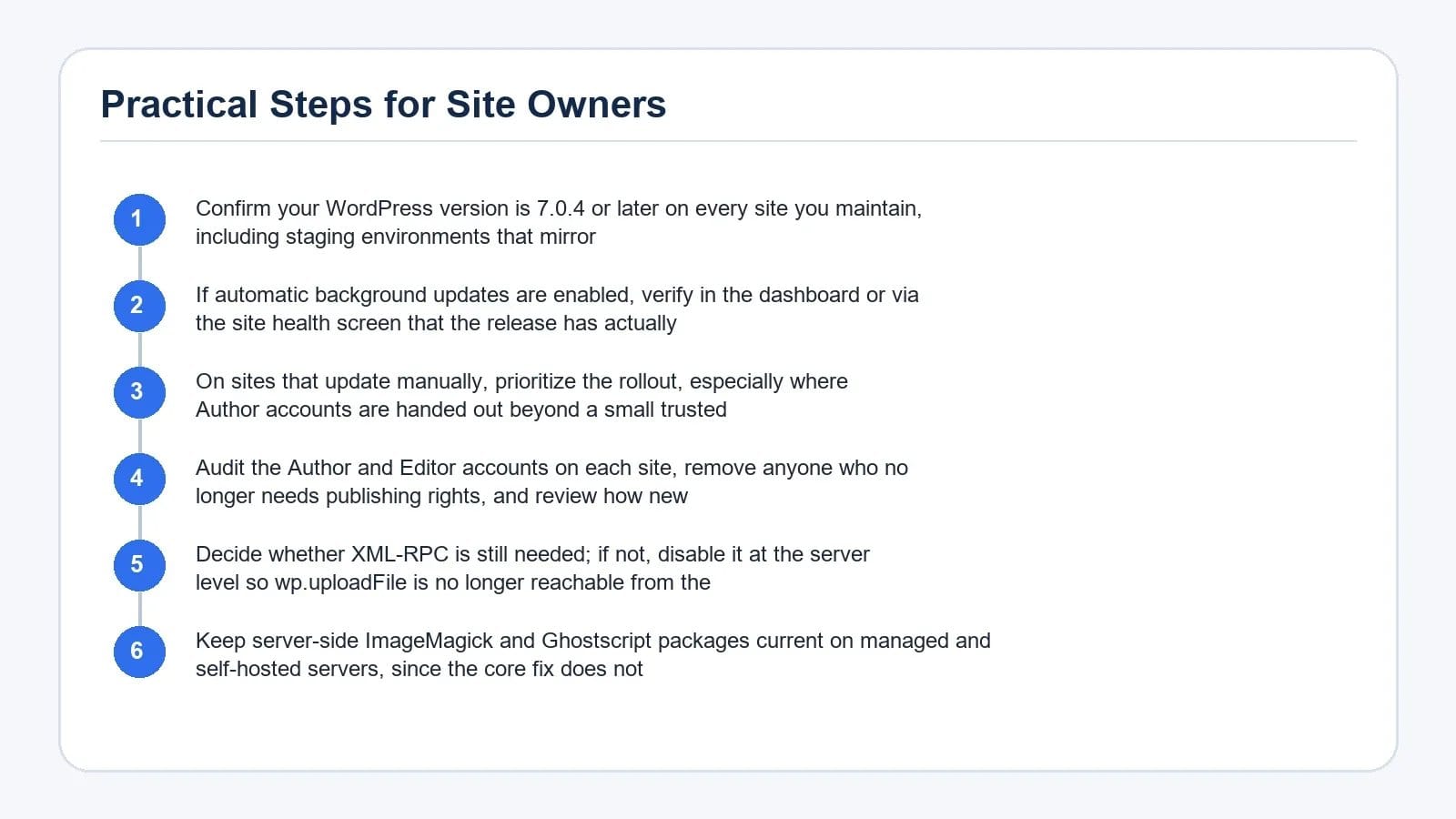
- Confirm your WordPress version is 7.0.4 or later on every site you maintain, including staging environments that mirror production.
- If automatic background updates are enabled, verify in the dashboard or via the site health screen that the release has actually applied.
- On sites that update manually, prioritize the rollout, especially where Author accounts are handed out beyond a small trusted group.
- Audit the Author and Editor accounts on each site, remove anyone who no longer needs publishing rights, and review how new accounts are granted.
- Decide whether XML-RPC is still needed; if not, disable it at the server level so wp.uploadFile is no longer reachable from the public internet.
- Keep server-side ImageMagick and Ghostscript packages current on managed and self-hosted servers, since the core fix does not patch the underlying libraries themselves.
For broader hardening guidance, the SiteCountry guide on how a WordPress core RCE was weaponized in under ninety minutes offers useful context on why fast patching matters, while the Cloudflare WAF rules for WordPress vulnerabilities explain how a web application firewall can add a second layer of defense for sites that need extra time to update.
Why This Matters Beyond a Single Patch
The flaw is a useful reminder about how media pipelines behave in practice. Sites that rely on strict upload filtering, MIME type checks, and content inspection gain a meaningful advantage over sites that trust filenames alone.
It is also a reminder about the difference between anonymous threats and authenticated ones. Treating authenticated paths as part of the attack surface, rather than as a non-issue, tends to pay off the next time a bug like this surfaces.
Frequently Asked Questions
Which WordPress versions are affected by the Imagick RCE?
The advisory covers WordPress core versions from 4.7 through 7.0. The fix ships in WordPress 7.0.4, and any site running 7.0.4 or later is patched against the specific code path described in the advisory.
Does an attacker need an account to exploit the WordPress Imagick RCE patch scenario?
Yes. Reaching the vulnerable code requires the ability to upload media, which in WordPress means an Author-level account or higher. Anonymous visitors cannot trigger the flaw on their own, but sites that grant Author accounts broadly should treat the risk as material.
Why were XML-RPC and MP3 cover-art uploads a problem?
Both routes write uploaded bytes through wp_upload_bits(), which does not perform the same content inspection as wp_check_filetype_and_ext(). That allowed a malicious file to reach the Imagick loader even when the standard upload check was doing its job. The new loader inspects content regardless of which path the file arrived through.
Does updating WordPress also patch ImageMagick and Ghostscript?
No. WordPress 7.0.4 changes how the core hands files to Imagick, but the underlying ImageMagick and Ghostscript packages on the server are separate components. Keeping those packages updated through your operating system or hosting provider remains important and reduces exposure to the broader family of ImageTragick-style issues.
Should XML-RPC be disabled now that the patch is available?
If your site does not depend on XML-RPC for mobile apps, Jetpack, or legacy integrations, disabling it removes a public upload endpoint that attackers like to probe. The patch closes the Imagick path, but disabling XML-RPC shrinks the attack surface and gives you less to monitor.
Conclusion
The WordPress Imagick RCE patch is exactly the kind of fix that is easy to overlook because the affected code looks ordinary. A file extension, a loader, an image library, and a content type that should never have been reachable from a media upload. Updating to 7.0.4 closes that path, and on most sites the only required action is a version check. On sites where multiple people can upload media, that update deserves to move to the top of the queue, alongside a quick audit of who actually holds Author rights today.